If you decide to ever move to Colorado, Automated Home Finder might be that tool you need to have at your fingertips to find your new home. The service is free and it takes just few minutes to register in order to begin searching for properties.
In the attempt to understand better how the website works our team has decided to use the system to search for Fort Collins CO Real Estate properties, Denver Real Estate properties and Boulder Real Estate properties.
How Does Automated Home Finder Works?
In order to use Automated Home Finder, a person searching for a new property is required to create a user account by filling out a simple form:
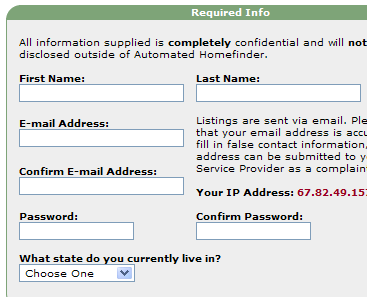
After creating an account you are now ready to search properties. Just login into your account and proceed to conduct a search.
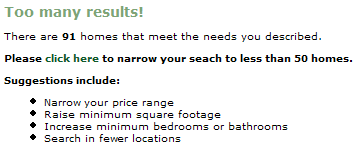
The searches you have made in the past are automatically saved in your account for the future reference or modification. One of the great features of the websites is that it helps you to narrow down the results to a manageable number. The website will ask you to modify your search in such a way that you will end up with no more than 50 properties:
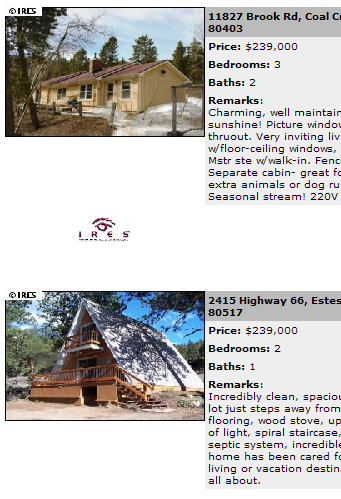
After you have managed to reduce your search results to 50 or less properties an e-mail is automatically sent to the e-mail address associated with your account listing your properties:
You also have an opportunity to go back to your account and access this information from the “history†option.
Automated Home Finder has also integrated leading Internet technology in maps. You have a choice of viewing your results on Google Maps or even on Google Earth, this in turn allows you to lookup driving discretions to your new home for your new place of work or maybe from your friends and family.
Whether you are looking to move a moth or a year form now Automated Home Finder will help you to make an informed and educated decision.
This stuff is simply ingenous.. the information here is better than all those other spam looking crap blogs!